
Introduction
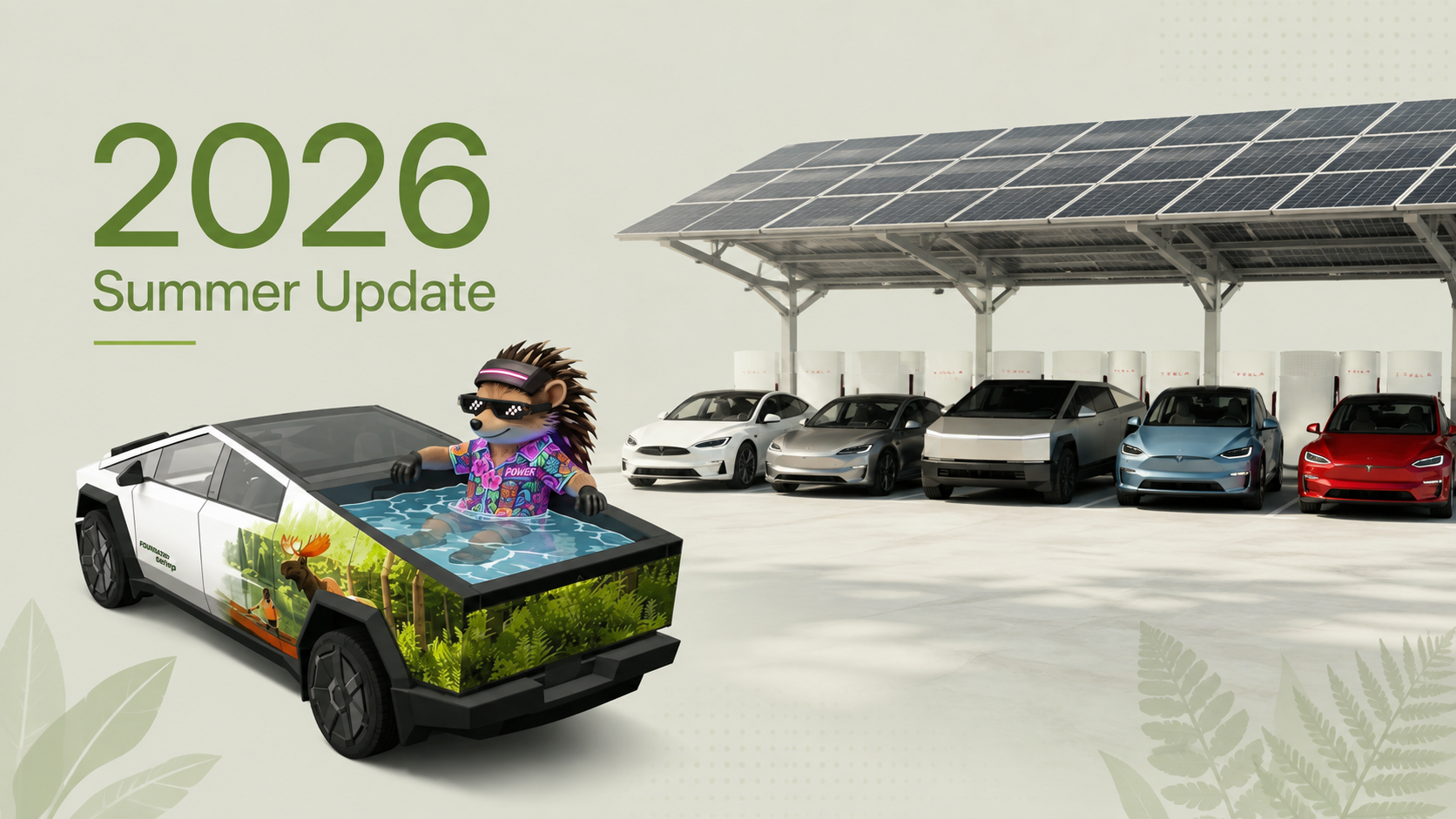
Tesla’s Summer Update 2026 is bringing a collection of new and improved features to Tesla vehicles through software versions 2026.26 and 2026.26.1.
The update focuses on several everyday parts of Tesla ownership, including navigation, range planning, voice commands, vehicle customization and camera functionality. For drivers who spend a lot of time on the road, some of these changes could make daily driving more convenient.
Here’s a look at the features identified in the update and what Tesla owners should know before trying them.
What’s Happening?
Tesla’s 2026.26/2026.26.1 software update introduces several new features and improvements.
The features identified in the available information include:
- Improved range estimation
- Preferred Routes
- Automatic Navigation
- Grok commands
- Custom wraps
- Camera Preview
- Set Arrival Energy
Feature availability can also vary depending on the vehicle, software version and other compatibility factors. Tesla owners should check their vehicle’s software information to determine which features are actually available.
Why It Matters
Software updates are an important part of the modern EV experience. Unlike traditional vehicles, Tesla can add or modify functionality through software after a vehicle has already been delivered.
For Tesla drivers, the 2026.26 update touches several areas that matter during everyday driving:
- Range planning: Improved range estimation can help drivers understand their expected remaining range.
- Navigation: Preferred Routes and Automatic Navigation focus on making route planning more convenient.
- Voice interaction: Grok commands add another way to interact with the vehicle.
- Personalization: Custom wraps provide additional vehicle customization.
- Cameras: Camera Preview adds another camera-related capability.
- Trip planning: Set Arrival Energy is particularly relevant to drivers who pay attention to their battery level when reaching a destination.
The bigger picture is simple: Tesla continues to use software to add functionality without requiring owners to replace their vehicles.
What Tesla Drivers Should Know
1. Improved Range Estimation
Range is one of the most important pieces of information for any EV driver.
The Summer Update includes improved range estimation, which is intended to provide drivers with better information about how much driving range remains.
For road trips, accurate range information can be especially useful because drivers need to decide when and where to charge.
However, range estimates should still be treated as an estimate rather than a guarantee. Actual energy consumption can vary depending on driving conditions and other factors.
2. Preferred Routes
The update also introduces Preferred Routes.
For Tesla owners who frequently travel the same roads, having a preferred route can make navigation more convenient.
Instead of treating every trip as completely new, the feature is designed around the driver’s route preferences.
This could be particularly useful for regular commutes or frequently traveled routes.
3. Automatic Navigation
Another navigation-related addition is Automatic Navigation.
The goal is to reduce the amount of manual interaction required when using navigation.
For drivers, fewer navigation steps can mean less time spent interacting with the center display and more attention focused on driving.
The exact behavior and availability of Automatic Navigation may depend on the vehicle and software configuration.
4. Grok Commands
The Summer Update also adds Grok commands.
This expands the role of voice interaction inside the Tesla experience, allowing drivers to use commands through Grok.
Voice-based controls can be useful because they reduce the need to manually interact with the touchscreen while driving.
As with any voice-controlled system, drivers should still use commands responsibly and avoid unnecessary interaction when road conditions require full attention.
5. Custom Wraps
Tesla owners also get custom wraps as part of the update.
Vehicle personalization has always been popular among car owners, and a digital customization option can offer another way for Tesla drivers to change how their vehicle looks.
The important distinction is that this is a software feature. It does not mean Tesla has physically changed the exterior of the vehicle.
6. Camera Preview
Camera Preview is another feature included in the update.
Tesla vehicles rely heavily on cameras for various vehicle functions, so camera-related improvements are particularly relevant to owners.
The information supplied for this article does not specify all of the camera-preview capabilities or which Tesla models support them. Owners should therefore check their vehicle’s software interface for availability rather than assuming the feature works identically across the Tesla lineup.
7. Set Arrival Energy
For EV drivers, knowing how much battery will remain when reaching a destination can be extremely useful.
The Set Arrival Energy feature addresses this type of trip planning.
Instead of simply thinking about whether you can reach a destination, drivers can pay attention to the desired energy level at arrival.
That can be useful when planning a trip where arriving with enough battery for the next part of the journey matters.
How to Use the New Features
Because the supplied source material does not provide detailed button-by-button instructions, Tesla owners should avoid assuming that every feature uses the same menu path.
A practical approach is:
- Check your software version. Look for version 2026.26 or 2026.26.1 in the vehicle’s software information.
- Check the vehicle interface. Look through the relevant navigation, camera, voice and customization sections.
- Test features while parked. Explore unfamiliar settings before driving.
- Confirm availability. Not every feature necessarily applies to every Tesla vehicle or configuration.
- Use navigation and voice features responsibly. Avoid unnecessary touchscreen interaction while driving.
Pros and Cons
Pros
- Adds several new software-based capabilities.
- Improves the range-planning experience.
- Adds additional navigation functionality.
- Expands voice interaction through Grok commands.
- Provides new personalization options.
- Adds additional camera functionality.
- Gives drivers another way to think about battery levels at arrival.
Cons
- The supplied information does not specify compatibility for every Tesla model.
- Not every feature may be available to every Tesla owner.
- Detailed instructions for the individual features were not provided.
- The available information identifies seven features rather than explaining all 10 mentioned in the update.
Practical Tips for Tesla Owners
1. Check your software version first.
Before looking for the new features, confirm whether your Tesla is running 2026.26 or 2026.26.1.
2. Don’t assume every feature is available.
Tesla features can depend on vehicle configuration and software compatibility.
3. Test new features while parked.
A software update can introduce unfamiliar menus or controls. Take a few minutes to explore them before starting a trip.
4. Pay attention to range planning.
Use the improved range estimation and Set Arrival Energy features as planning tools, not as a reason to ignore real-world driving conditions.
5. Keep your attention on the road.
Voice commands can reduce touchscreen interaction, but drivers should always prioritize safe driving.
A Little EV Humor
Tesla owners already have plenty of things to check before a road trip:
Battery percentage.
Charging stops.
Traffic.
Weather.
And now… seven more software features to explore.
At least there’s no software update required to remember to plug in the car. Yet.
FAQ
What is the Tesla Summer Update 2026?
The Tesla Summer Update 2026 refers to Tesla software versions 2026.26 and 2026.26.1, which introduce several new features and improvements.
What new features are included?
The supplied information specifically identifies improved range estimation, Preferred Routes, Automatic Navigation, Grok commands, custom wraps, Camera Preview and Set Arrival Energy.
Does every Tesla get all of these features?
The supplied information does not specify compatibility for every Tesla model. Owners should check their vehicle’s software interface to determine which features are available.
What is Set Arrival Energy?
Set Arrival Energy is a feature related to trip and battery planning. It allows drivers to consider the amount of energy they want remaining when arriving at a destination.
What are Grok commands?
Grok commands add Grok-based voice interaction to the Tesla experience, according to the supplied update information.
Conclusion
The Tesla Summer Update 2026 continues Tesla’s software-focused approach to vehicle improvements. Versions 2026.26 and 2026.26.1 introduce changes covering range estimation, navigation, voice interaction, customization and camera functionality.
For Tesla owners, the most useful additions may ultimately be the ones that make everyday driving and road-trip planning easier. Improved range information and Set Arrival Energy, for example, are directly connected to one of the biggest concerns in EV ownership: knowing where your battery stands.
And, as usual with Tesla software updates, the first step is simple: check your software version and see what your particular vehicle can actually do.